Inkjet coding machinery
How to choose an inkjet coder
Choosing correctly prevents poor print quality, unreadable codes, high running costs and awkward operator routines.
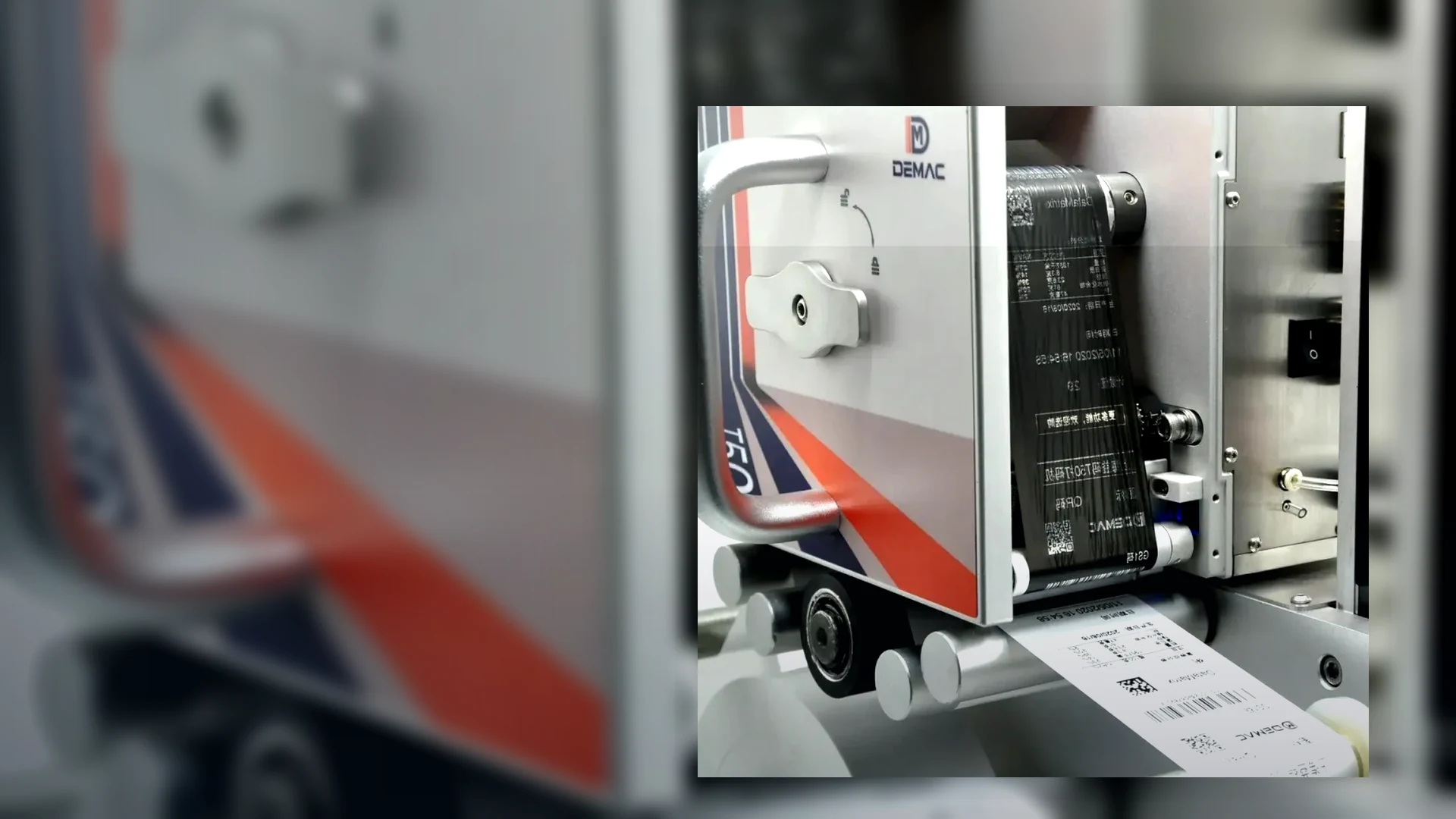
Choosing correctly prevents poor print quality, unreadable codes, high running costs and awkward operator routines.
Confirm whether the print surface is cardboard, plastic, glass, metal, film, foil, label stock, coated carton or a wet/oily/dusty surface.
Confirm conveyor speed or packs per minute. Include product pitch if the gaps vary or multiple lanes are involved.
Send the exact code content, character height, number of lines and whether QR codes, barcodes or logos are required.
Show where the code must be printed and how much space is available for the print head, stand, sensor and operator access.
Note washdown, dust, temperature, condensation, solvents, food environment requirements and cleaning procedures.
Confirm whether the coder needs a conveyor, encoder, reject system, line stop, data connection or guarding interface.
Send these details to Lancing and we can narrow the options quickly.
Send detailsSend the product material, photos of the pack, code content, required print size, line speed, environment and where the code needs to be printed.
For production lines, yes. A fixed coder gives repeatable triggering and print position. Handheld coders are better for low-volume or occasional marking.
A test print is recommended for glossy, wet, oily, dusty, curved or regulated packaging, or where barcode readability is important.
A strong enquiry states the operating window and acceptance evidence. Complete the fields below before comparing model names or prices.
| Requirement | What to record |
|---|---|
| Product and pack | Material, supplier, colour, coating, size range, curvature and photographs of every code face. |
| Surface condition | Temperature, moisture, oil, dust, mould release, cleaning residue and time before handling. |
| Message | Exact date, lot, text, logo, barcode or 2D content; fonts, number of lines and smallest code. |
| Production | Conveyor speed, products/minute, pitch range, lanes, shifts, batches and changeovers. |
| Mounting | Line direction, working height, print position, available space, guarding and operator access. |
| Controls | Product sensor, encoder, PLC I/O, data source, recipe selection, network and remote support. |
| Inspection | Visual check, OCR, scanner read, formal verification, reject or line-stop requirement. |
| Environment | Ambient limits, dust, washdown, chemicals, ventilation, hazardous-area and utilities. |
| Ownership | Consumables, service parts, cleaning, training, spares, support and expected operating life. |
| Acceptance | Samples, speed, duration, code quality, adhesion, data challenges and sign-off evidence. |
Speed, resolution and print height are linked. Require values for the exact message, font, number of lines and configuration rather than independent maximum figures.
Record the approved ink or cartridge part number, compatible substrates, storage, shelf life, dry time and any ventilation or handling requirements.
Clarify warranty, planned maintenance, software licences, remote support, training, critical spares and who supports the integration interfaces.
Write down the test before sending samples. Include the real pack condition, actual message, normal and worst-case line speed, print gap, handling time and inspection method. Keep an approved sample and the printer, ink and setting references. If a supplier cannot reproduce the agreed conditions, treat the result as indicative rather than final approval.
Attach this information to your enquiry for a faster, more specific recommendation.
Send a coding specificationMark each requirement as mandatory, preferred or information-only, then ask every supplier to respond against the same production duty. This exposes assumptions and prevents a headline feature from hiding a material limitation.
| Requirement group | Information to issue | Evidence to request back |
|---|---|---|
| Product and substrate | Pack drawing or sample, supplier, material, colour, coating, curvature and condition at the coding point. | Approved ink or cartridge, print position, throw distance, preparation needs and sample-trial result. |
| Message and quality | Exact text, date rules, number of lines, character size, barcode or 2D artwork and acceptance method. | Supported print envelope, settings, readable sample and reader or verifier evidence where specified. |
| Production duty | Conveyor speed, products per minute, pitch, shift pattern, stops, changeovers and annual operating hours. | Capability for that message and duty, with the test conditions and operating margin stated. |
| Environment and access | Temperature, moisture, washdown, dust, ventilation, available space, working height and cleaning process. | Exact environmental limits or IP rating, protection measures, service clearances and operator access. |
| Controls and data | Sensor, encoder, PLC, job selection, database, ERP/MES, inspection, reject and line-stop requirements. | Interface list, signal sequence, supported protocols, data validation and failure behaviour. |
| Ownership and support | Expected life, staffing, maintenance capability, required availability and support location. | Consumables, forecast use, routine tasks, service schedule, spares, training, warranty and escalation scope. |
A machine should not remain on the shortlist if it cannot meet a mandatory substrate, code, environmental, integration or quality requirement. Preferred items can then be compared on evidence, while information-only items help plan installation and ownership.
Where a figure is quoted, record the exact model, option, message, resolution, speed, environmental condition and test method to which it applies.
Use representative packs and the real message at the expected production duty. Include the most difficult approved material, changeover, stop-start recovery, handling after print and the chosen visual, rub, scan or verification method. Retain the approved sample, settings and open actions.
Compare CIJ, TIJ, large-character inkjet and ink compatibility on that same evidence.
List data interfaces, brackets, guarding, conveyors, vision, rejects, installation, training and consumables that are outside the quoted scope so they do not become hidden project gaps.
Identify pack supplier, coating, ink, code, speed, software or line changes that require review or re-testing after handover.
Name who approves artwork, maintains recipes, replenishes consumables, performs routine checks, holds backups and decides whether failed product can be released.
Issue one brief and request a compliance response.
That creates a clearer technical and commercial comparison than collecting unrelated brochures.