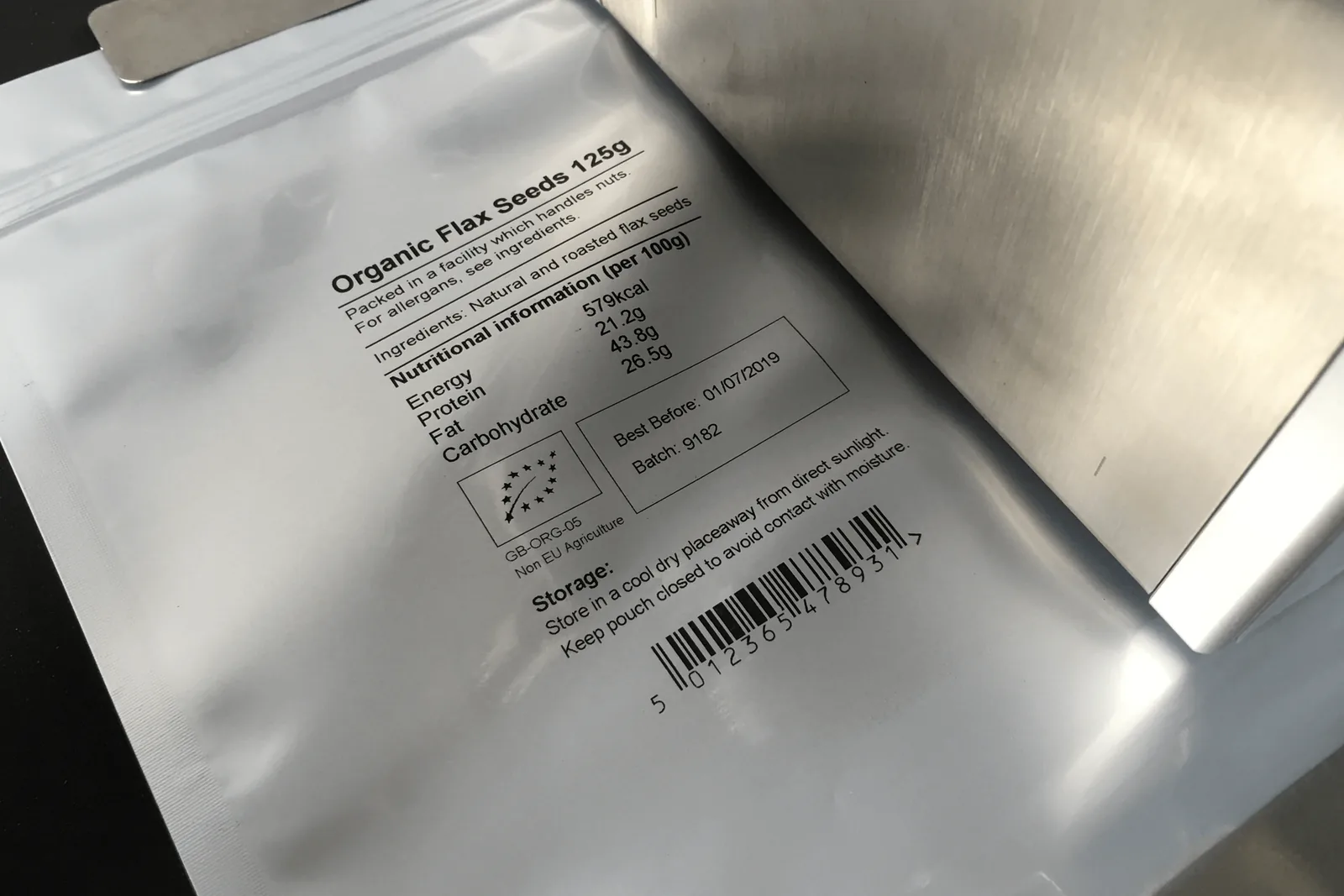
Ink and substrate guide
Match inkjet inks to plastic, glass, film, cartons, labels and coated packs.
View details →Practical checks for clearer date codes, batch numbers, barcodes and QR codes on packaging lines.
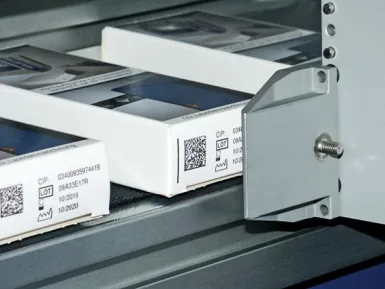
Code quality is shaped by more than the printer. Print distance, product control, substrate, ink dry time, line speed, encoder setup, sensor timing and operator cleaning routines all influence whether the code is readable at the end of the line.
| Common symptoms | Faint print, stretched characters, missing dots, smudging, poor contrast, unreadable QR codes |
|---|---|
| Likely causes | Wrong ink, excessive distance, unstable product, poor trigger timing, contamination or unsuitable surface |
| Useful checks | Sample print, dry time test, rub test, barcode scan test and line-speed confirmation |
| Related options | Ink and substrate guide, QR code inkjet printers and inkjet coding checklist |
Use these checks before you buy, quote or install a coder. They help reduce print defects, missed codes and unreliable date or batch marking once the line is running.
Send it with your enquiry so the coder type, bracket position, print head access and ink choice can be reviewed properly.
Compare related coder types, applications and specification guidance.
Match inkjet inks to plastic, glass, film, cartons, labels and coated packs.
View details →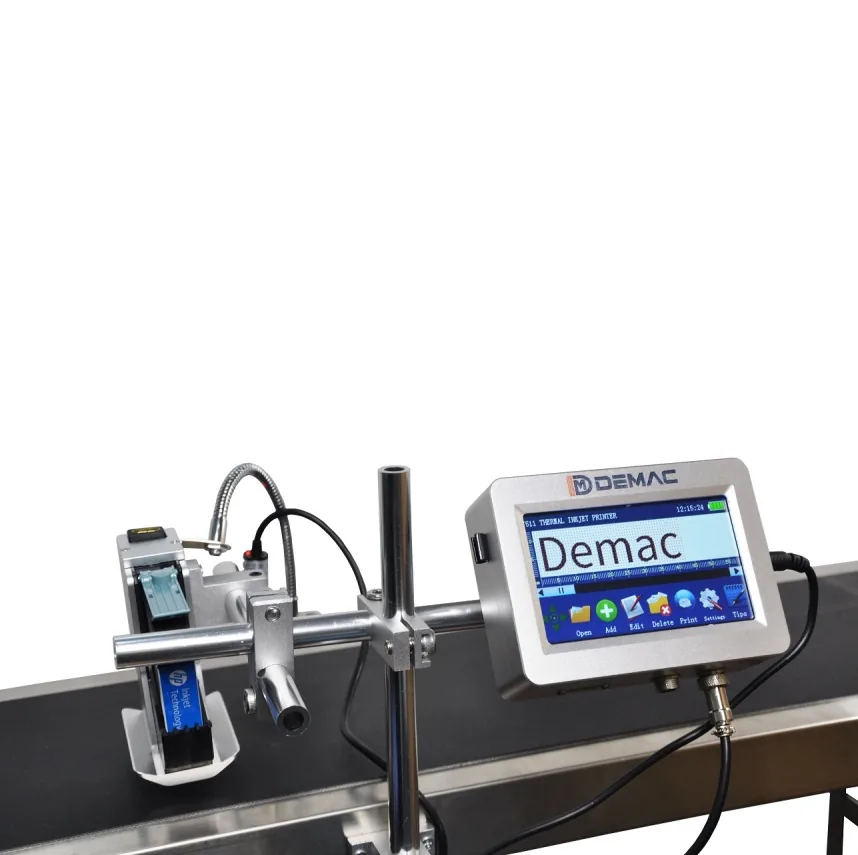
High-resolution variable data, QR code and barcode printing for packaging.
View details →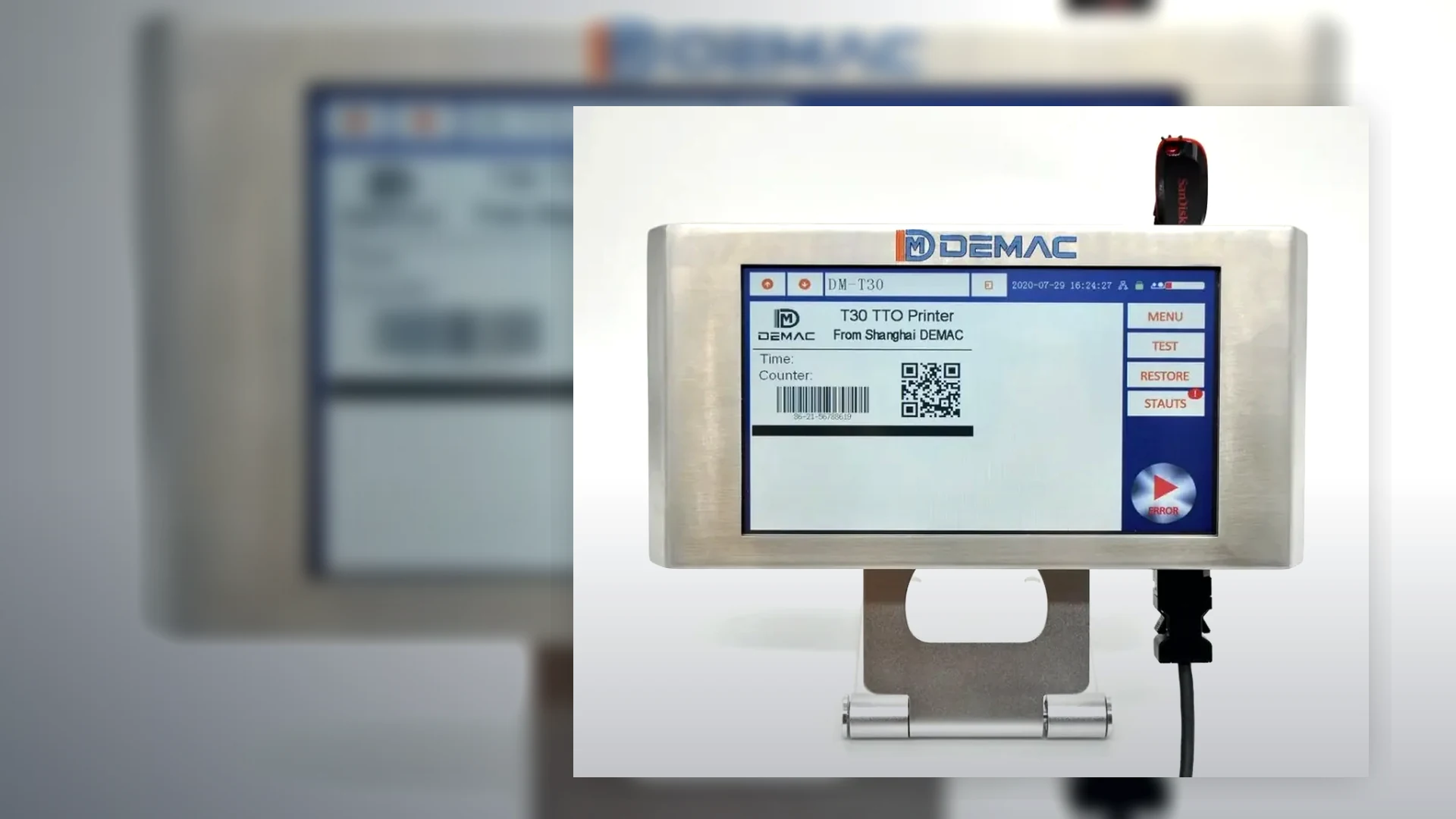
Information to gather before requesting a coding machine recommendation.
View details →Send pack photos, code artwork, material, speed, code position and available line space. Lancing can then advise on the most suitable inkjet coding route.
Tell us what you need to code and where the coder has to fit on the line.
Code quality can mean readable text, correct data, a scanner read, a formal barcode grade or resistance to handling. Agree the requirement and test method before approving a printer.
Set character size, contrast, position, missing-dot tolerance and viewing conditions. Use an approved sample rather than subjective descriptions such as “clear”.
A sharp code can still be wrong. Confirm recipe, date calculation, lot, serial or database record and the operator or system check that approves it.
Define the symbol, reader or verifier, lighting, orientation, sample rate and minimum acceptance. Test the final pack after all handling.
| Method | What it shows | What it does not prove |
|---|---|---|
| Visual check | Presence, position and human-readable appearance | Reliable barcode decoding or formal symbol quality |
| Production scanner | Whether the reader decodes the symbol under its setup | Compliance with a formal verification standard |
| OCR / OCV | Presence or correctness of selected printed characters | All aspects of adhesion, barcode grade or data-source integrity |
| Barcode verifier | Measured quality parameters and a grade under a controlled method | That every production code is correct unless used inline or sampled appropriately |
| Rub or exposure test | Resistance under the defined handling condition | Performance under different chemicals, times or environments |
ISO/IEC 15416 is used for 1D barcode grading on labels, ISO/IEC 15415 for 2D symbols on labels, and ISO/IEC TR 29158 for direct-part marks. GS1 application requirements may define symbol size, data and quality for a particular use.
Use a calibrated verifier and the correct lighting geometry when a formal grade is required. A phone or ordinary scanner is not a substitute.
First confirm the correct message and consumable. Then check the surface, print gap, product stability, sensor and encoder, nozzle condition, resolution, speed and environmental change. Change one variable at a time and retain before-and-after samples.
Do not compensate for a mechanical presentation problem only by increasing ink or reducing quality.
Send failed and acceptable samples with the line conditions so the cause can be narrowed.
Review code quality